The Saphira RO Launcher is your gateway to the game. Always open it instead of Ragnarok.exe.
Automatic updates
When it opens, it checks for anything new. It only downloads what has changed and, if any game file is damaged or missing, it repairs it on its own.
Every update is digitally signed: the launcher rejects any file that does not come from Saphira, even if someone tampered with the download server.
While it is updating, you cannot press Play. If the update server does not respond, it lets you know and you can still play.
Language
The button at the top right cycles through ES → EN → FR. The chosen language applies to the launcher, the game interface and the story dialogue.
Settings
The Settings button opens a panel with:
- Game: resolution and graphics options (opens
opensetup). - Overlay: FPS counter, ping, clock, vertical sync, brightness…
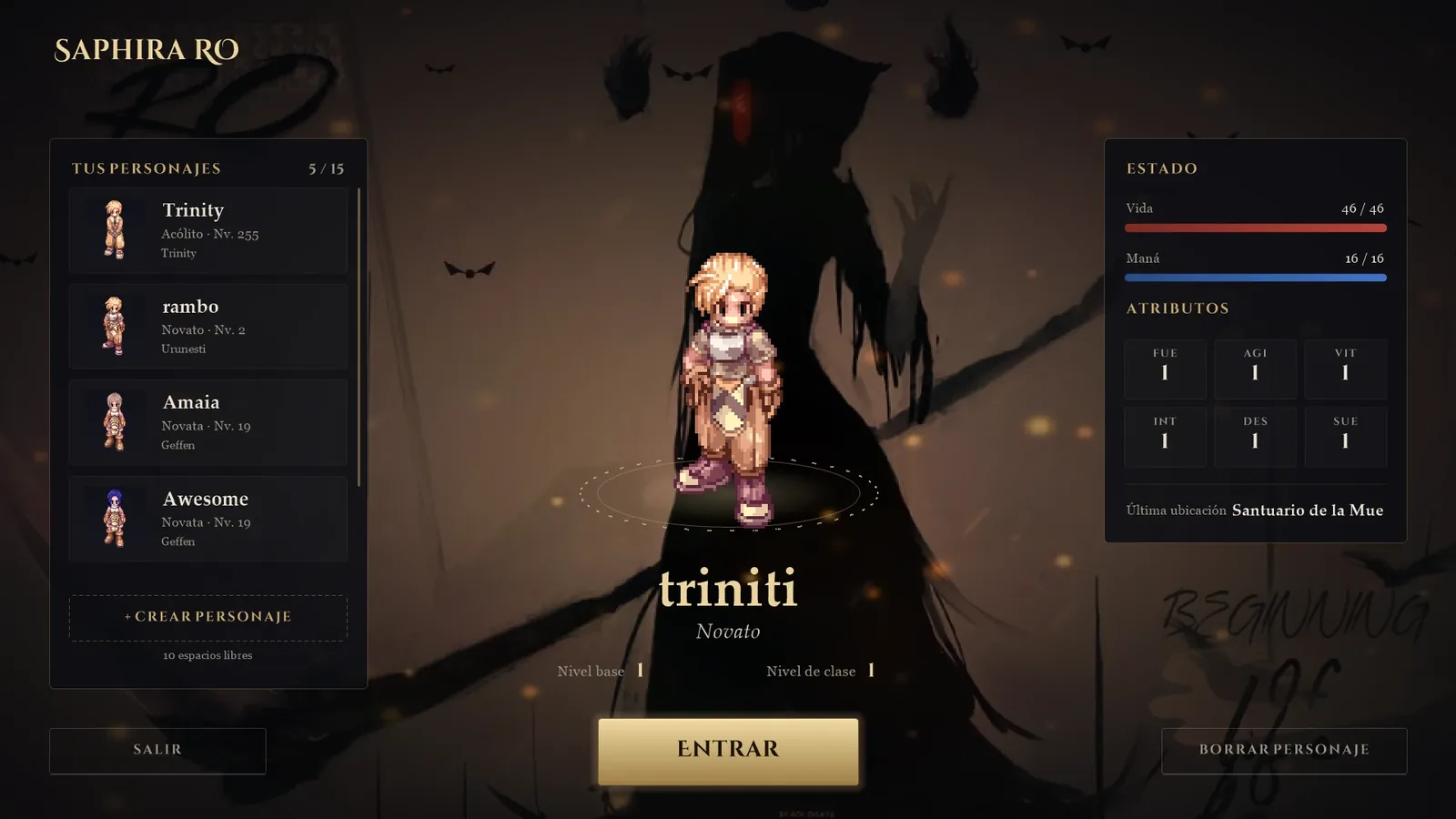
- Interface: turns each piece of the new interface on or off (character selection, loading screen, map banner, NPC dialogues, chat and achievements). If you prefer the original window for something, just switch it off.
- Background: the login video changes with the season of the year.