Full client
Windows 10 / 11 · 5.5 GB · launcher included
- The whole game, ready to play.
- The launcher keeps it up to date by itself.
- Saphira interface in Spanish, English and French.
A single package with everything: the game, the self-updating launcher and the Saphira interface.
Windows 10 / 11 · 5.5 GB · launcher included
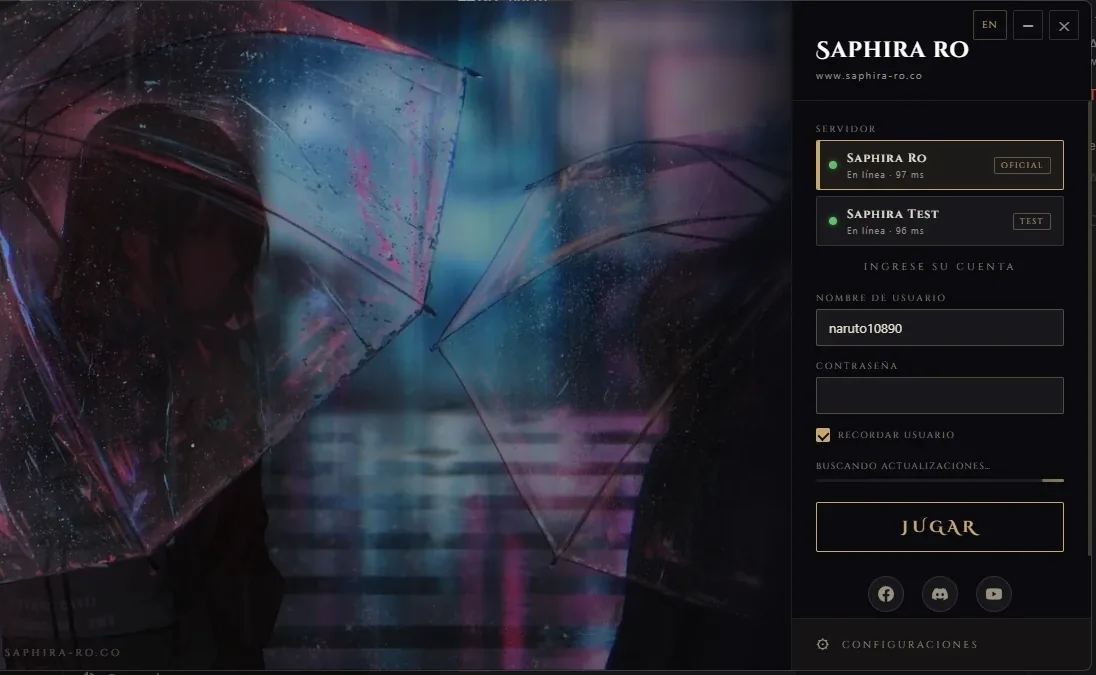
At Sign up. It takes less than a minute.
Into a folder outside "Program Files", for example C:\Games\SaphiraRO.
Open opensetup.exe (or the launcher → Settings → Game). Only the first time.
Run Saphira RO Launcher, wait until it says Client up to date and log in.
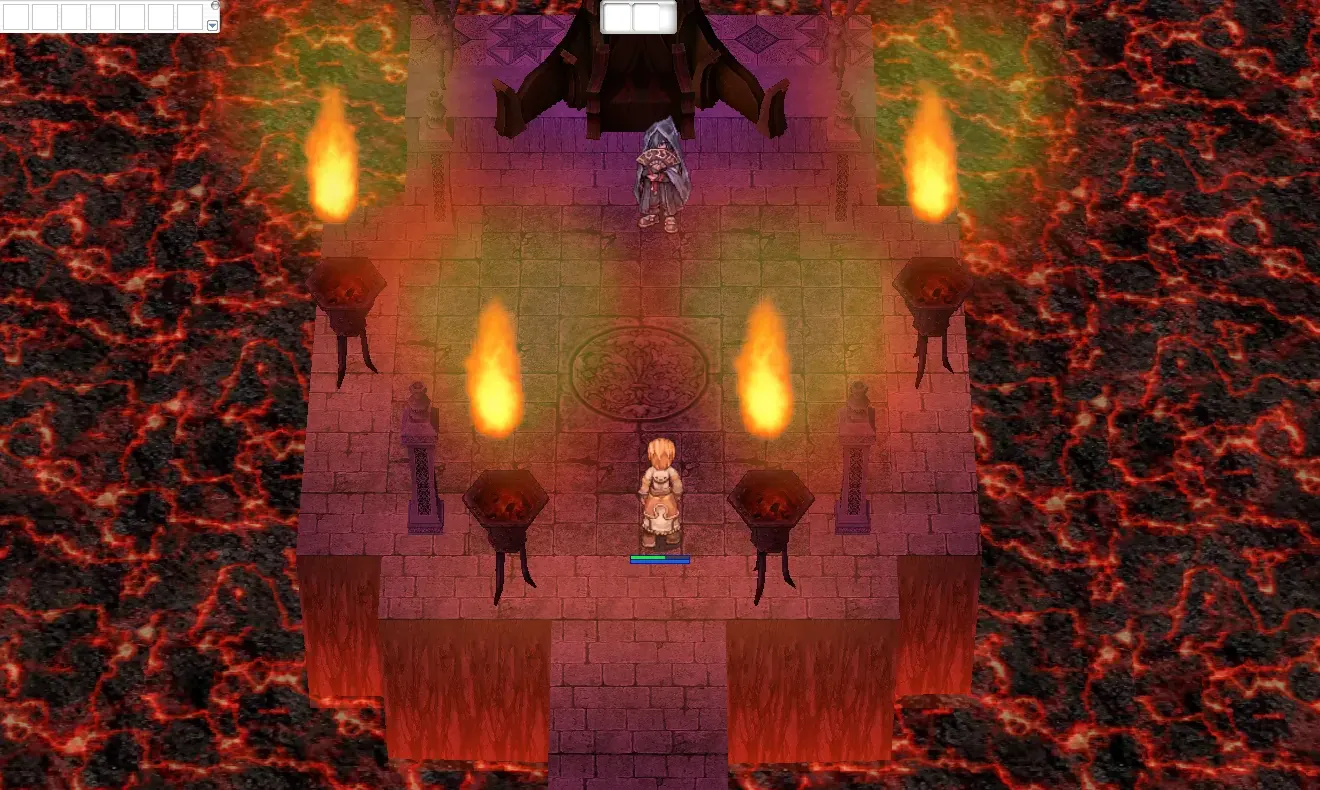
Create your character and choose your path before the God of Death.
| System | Windows 10 or 11 (64-bit) |
|---|---|
| Disk space | 10 GB free |
| Memory | 4 GB RAM |
| Graphics | Any DirectX 9 card |
| Connection | Stable internet |
The client includes its own add-on (the overlay), which is not digitally signed, and some antivirus programs distrust it. Add the game folder to the exclusions and open the launcher: it will restore the file by itself.
The update server did not respond. You can still play and try again with Retry.
A game was still open. Close it and press Retry in the launcher.
Windows N editions lack the media components. Install the "Media Feature Pack" from Windows Settings → Apps → Optional features.
Write to us on Discord and we will help.