1. Create your account
Go to Create account and choose a username and a password. Your username is what you log in with; you choose your character’s name later, inside the game.
2. Download the game
The full client is available in Downloads. Extract it to a folder outside “Program Files”, for example C:\Juegos\SaphiraRO.
3. Set the resolution (first time only)
Open opensetup.exe inside the game folder and choose your resolution and window mode. You can also do it from the launcher: Settings → Game.
4. Open the launcher
Run Saphira RO Launcher. When it opens, it checks for updates: wait until it says Client up to date. Then:
- choose the server (usually Saphira Ro · Oficial);
- enter your username and password;
- choose your language with the button at the top (ES / EN / FR): the whole game follows it;
- press Play.
5. Create your character and awaken
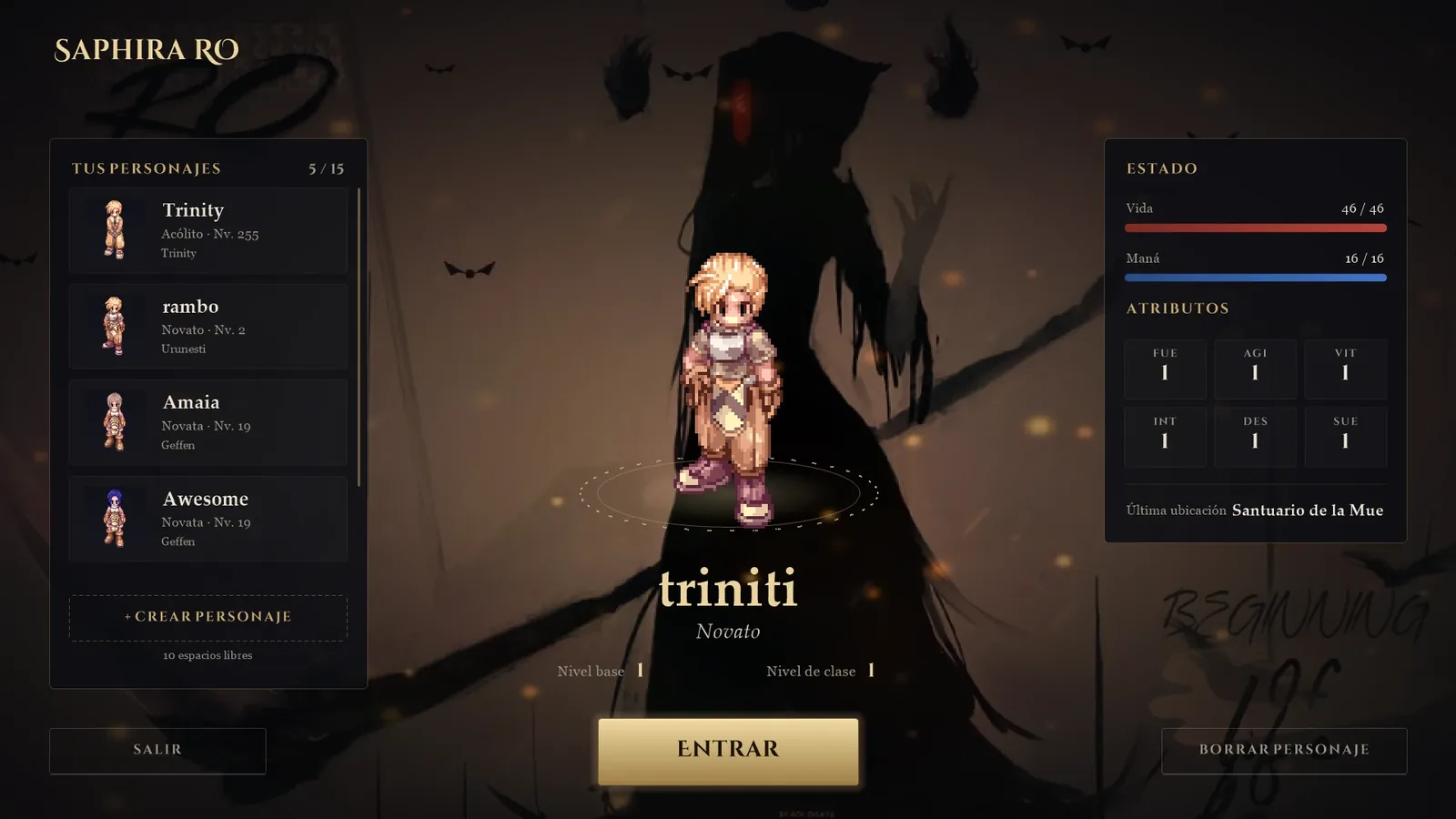
Create your character on the new selection screen. You will appear in the Shrine of Death, where you will choose between Story Mode and Classic Mode.
Problems?
- Your antivirus deletes or blocks files: add the game folder to its exclusions (the client’s overlay is legitimate, but it is not digitally signed).
- “Could not check for updates”: you can still play; try again later.
- For anything else, write to us on Discord.